Off-site · Browser
The 3D twin, in the control room.
Walk the plant remotely
Triage from anywhere
IoT · history · work orders

One AI-powered digital twin for every worker on the floor.
The 3D twin, the AI brain, and the field app in one platform, deployed in days.
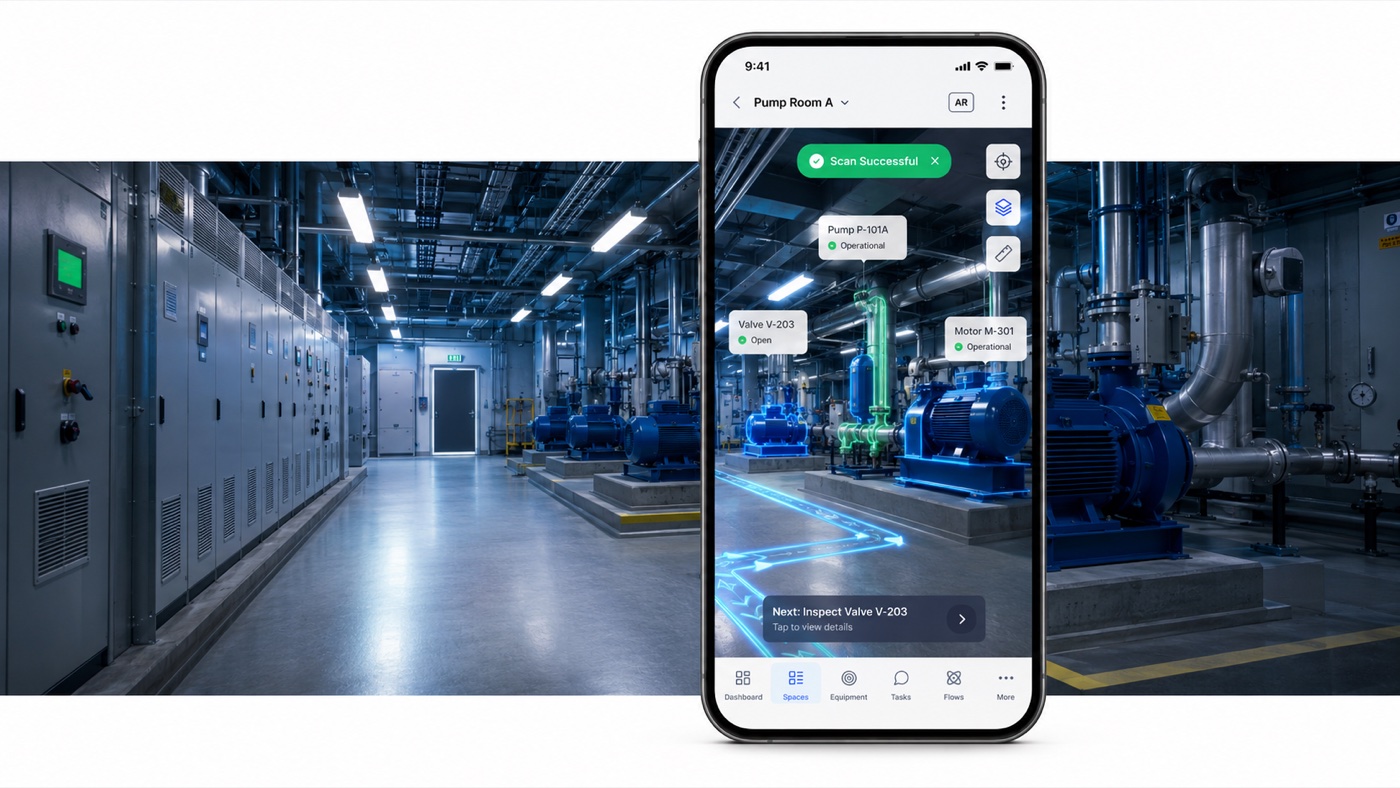


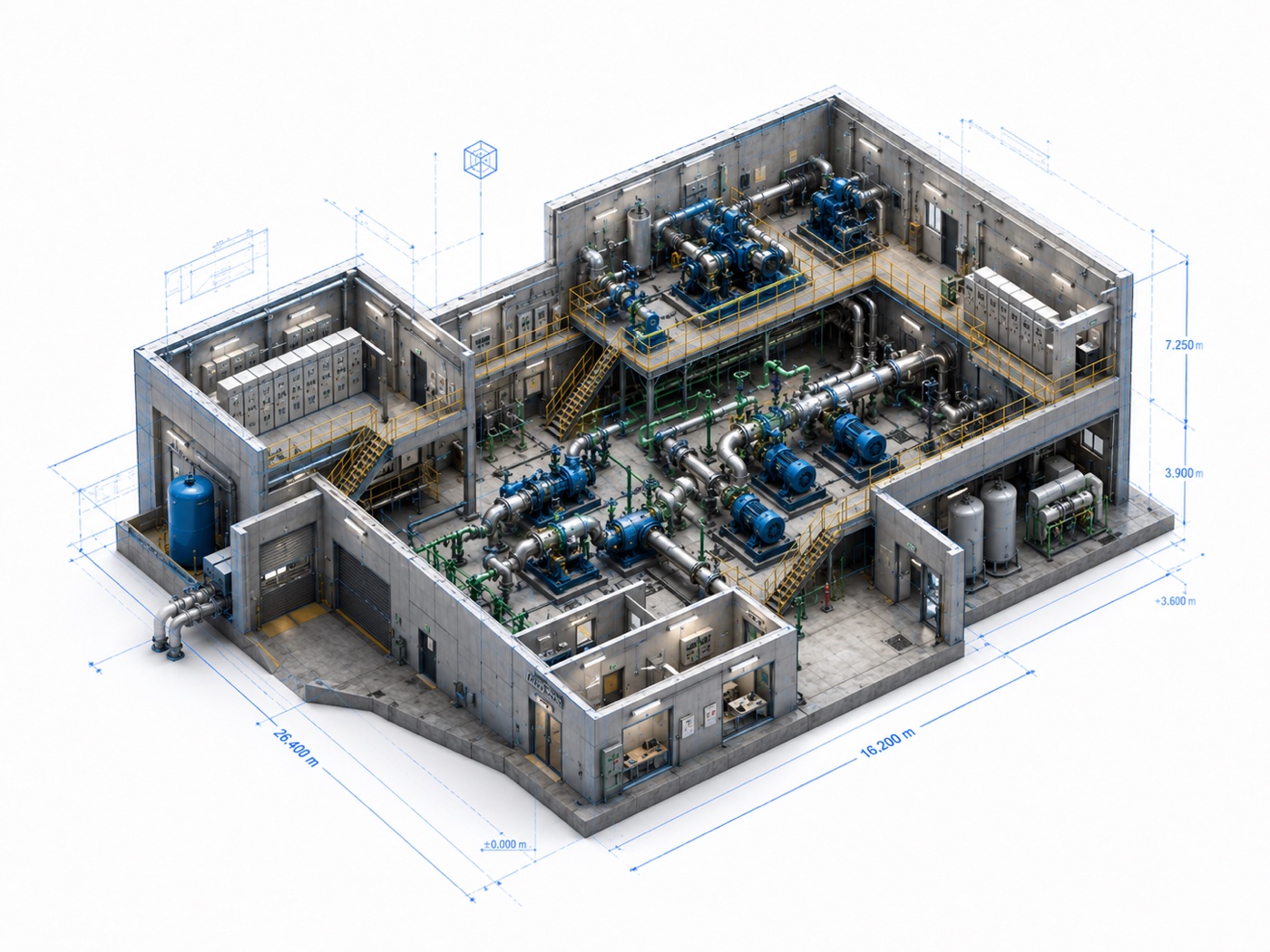
A living 3D model of your facility, kept in sync with reality. Every asset, every room, every drawing, every sensor reading. One single source of truth your team can walk through, query, and act on.
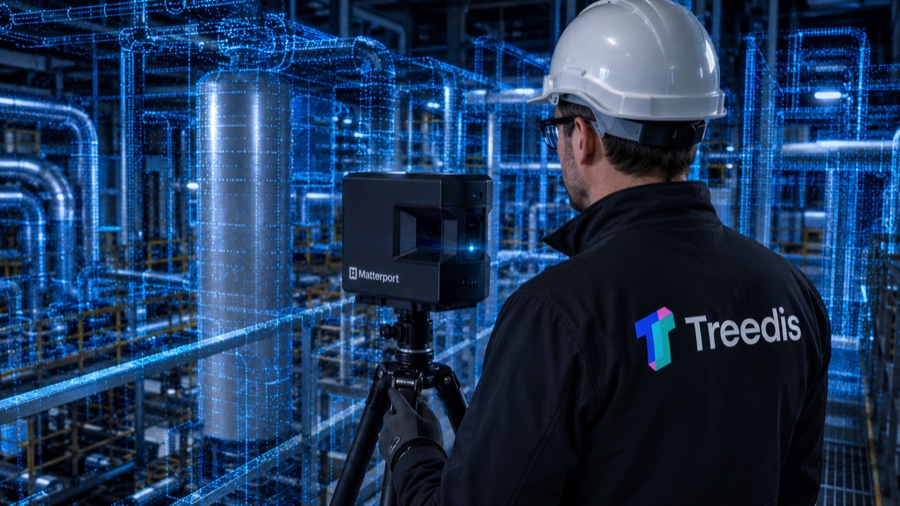
A technician walks the facility with a Matterport Pro2 or Pro3. Every room, every asset, captured in photo-real 3D.
~1 day per site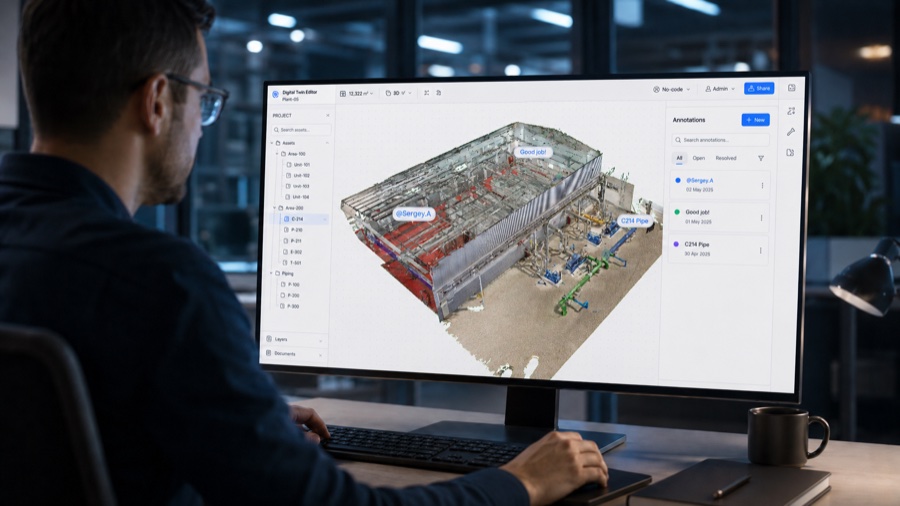
TAI processes the scan in the cloud, auto-tags assets, and your team links SOPs, P&IDs, IoT feeds, and work orders with no code.
Hours, not weeks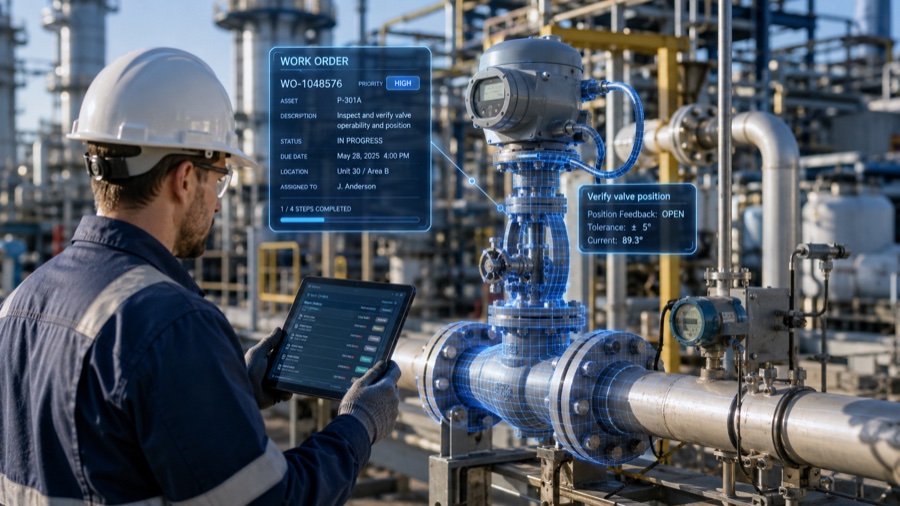
Field teams get the mobile app. The office gets the browser view. TAI chat is live. Workflows start on day one.
Live in days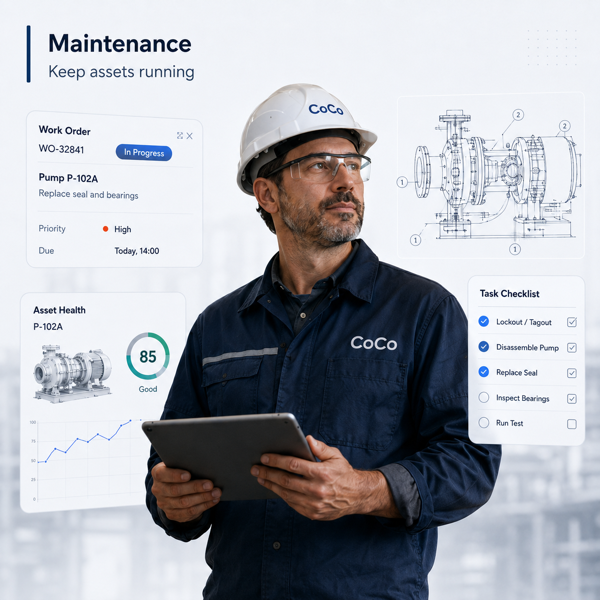
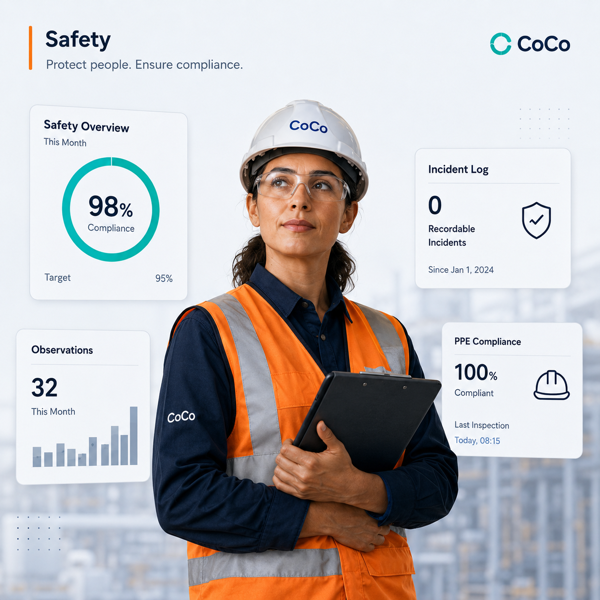
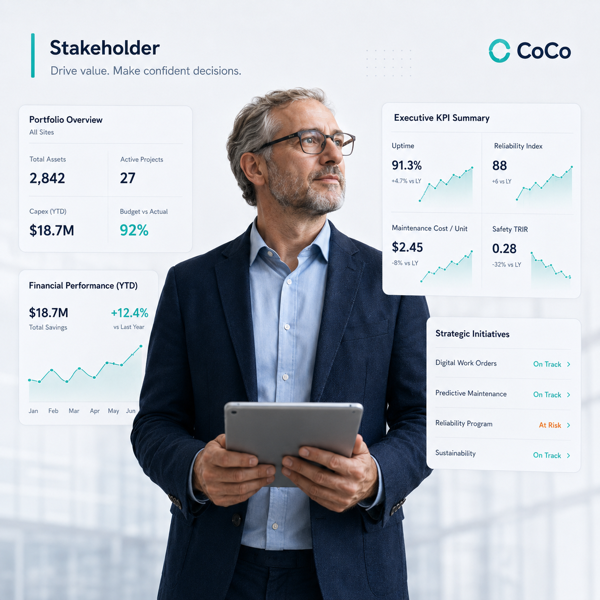
Trained on your twin, your documents, your procedures. One AI layer, six ways to put it to work.
Ask where an asset is and it walks you there in 3D. Describe a fault and it drafts the work order, hands-free, in the worker's own language.
Drop in a document, or a video of an expert doing the job, and TAI turns it into step-by-step work instructions anchored to the exact asset in 3D.
Point TAI at a 3D scan and it recognises the equipment and links it to your asset registry automatically, matching ‘Pump P-101’ to ‘Centrifugal pump 101’ on its own.
TAI watches your operations and, when something's wrong, recommends the next action with the evidence behind it: the alert, the trend, the history, the procedure.
Show TAI a photo of a leak, a gauge, a worn part. It reads the real-world state, grounds it to the right asset, and tells you what it likely means.
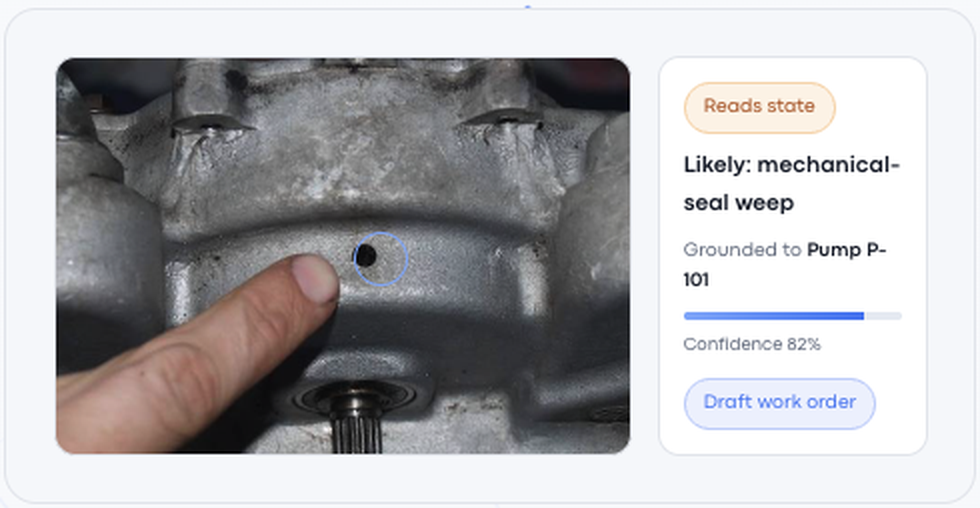
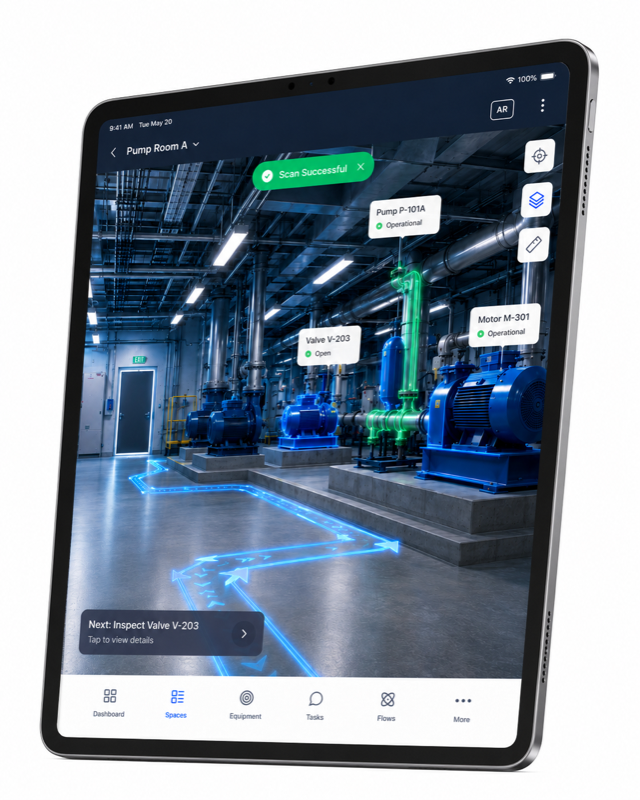
The same intelligence, on the floor. Through the AR app you look at the actual pump and TAI knows exactly which one it is and what's open on it.
The single source of truth for assets, P&IDs, manuals, and procedures, bound to where they live in the facility.
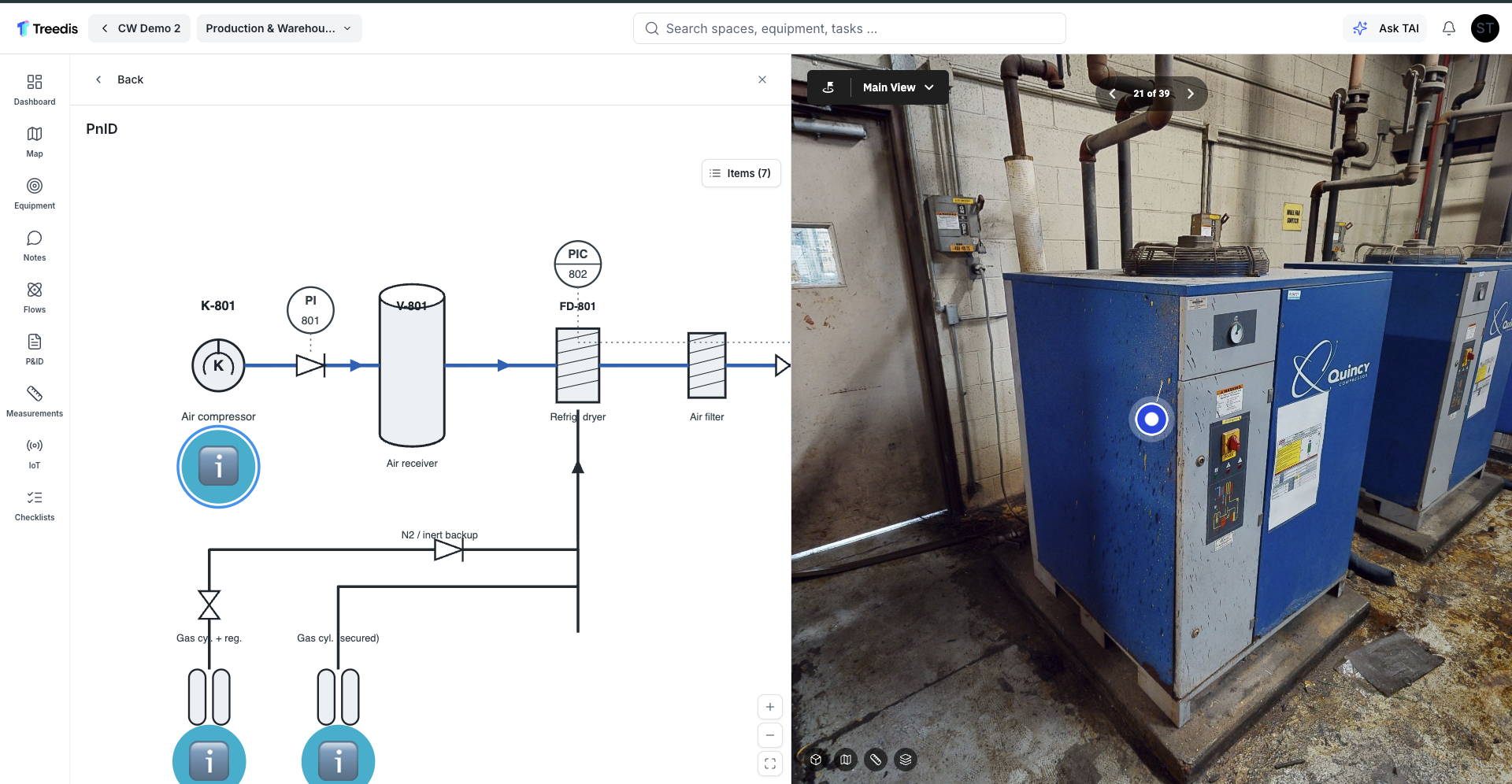
Every pump, valve, panel, and machine is tagged where it physically lives in the twin. Search the space, not a spreadsheet.
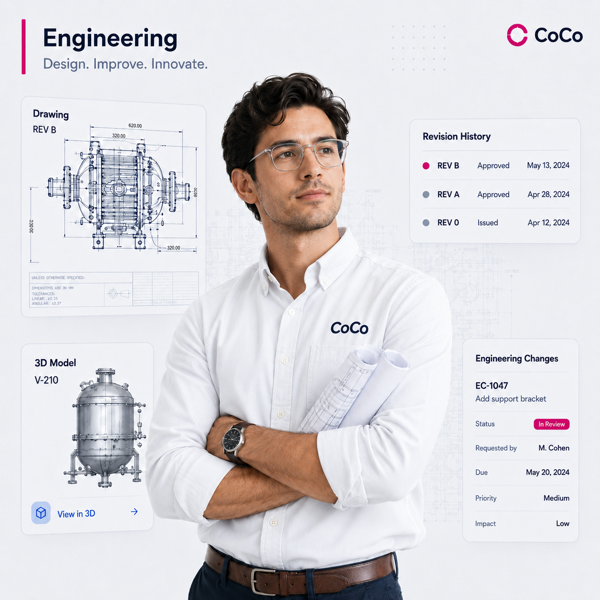
P&IDs, drawings, manuals, and procedures pinned to the equipment they describe, searchable and cited by TAI.
Turn a 22-step procedure into a guided flow a first-week hire can run like a veteran. TAI builds them from your docs and videos.
Step-by-step wayfinding to the exact equipment, so new and visiting crews get spatially familiar before they arrive.
Reference articles, competency checks, and role-based courses, attached to the asset and grounded in your own data.
Push the right content to the right worker, set a due date, and track completion across the team.
See what your floor actually knows. Track completion, spot where workers get stuck, find procedures that need clearer content.
One secure login through your identity provider. Every role sees exactly what it should, and nothing more.
Planned and reactive work in spatial context, synced two-way with the CMMS your planners already live in.
Open, view, assign, and issue work orders right on the asset in 3D or AR, every one synced two-way with your CMMS.
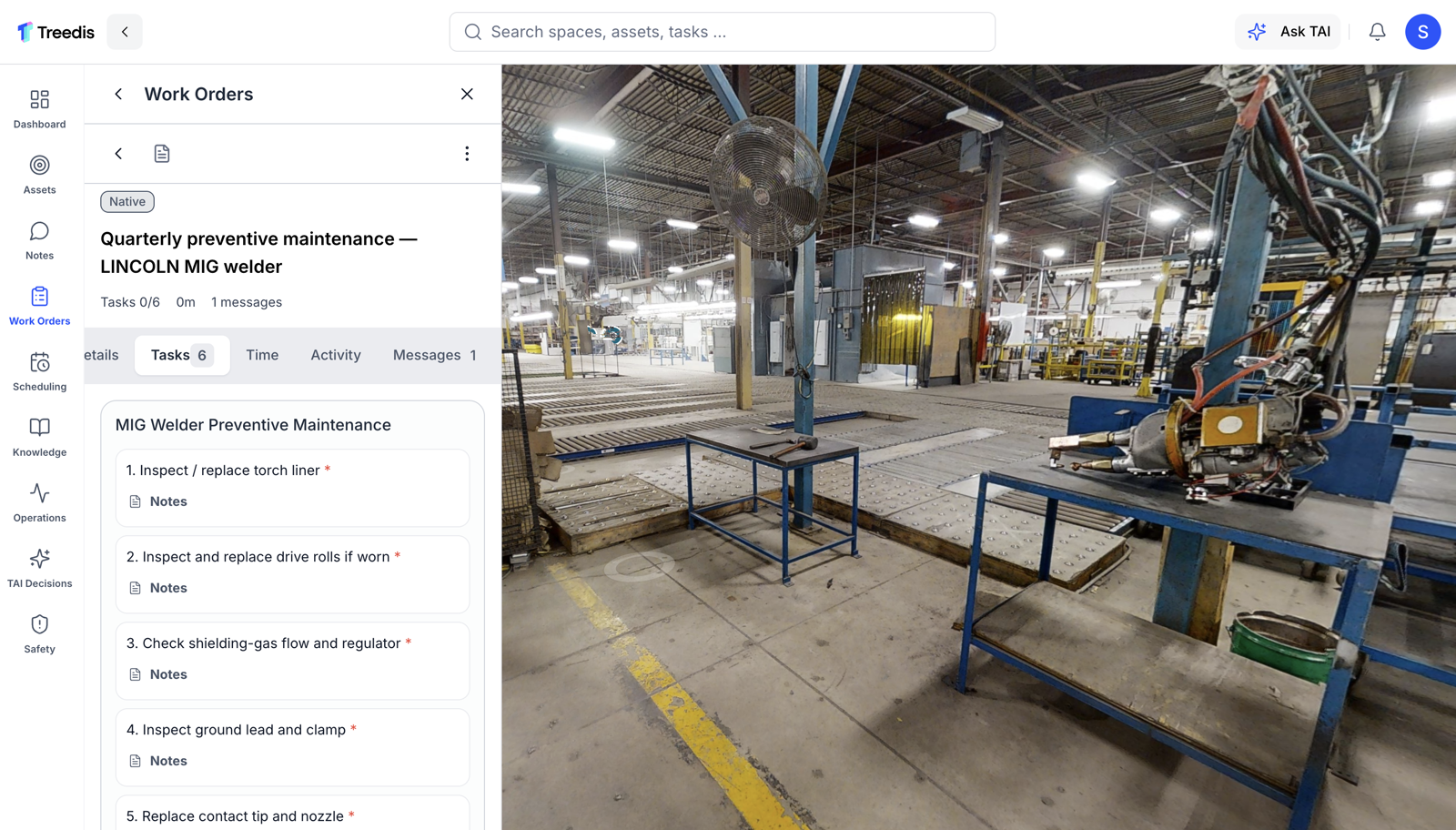
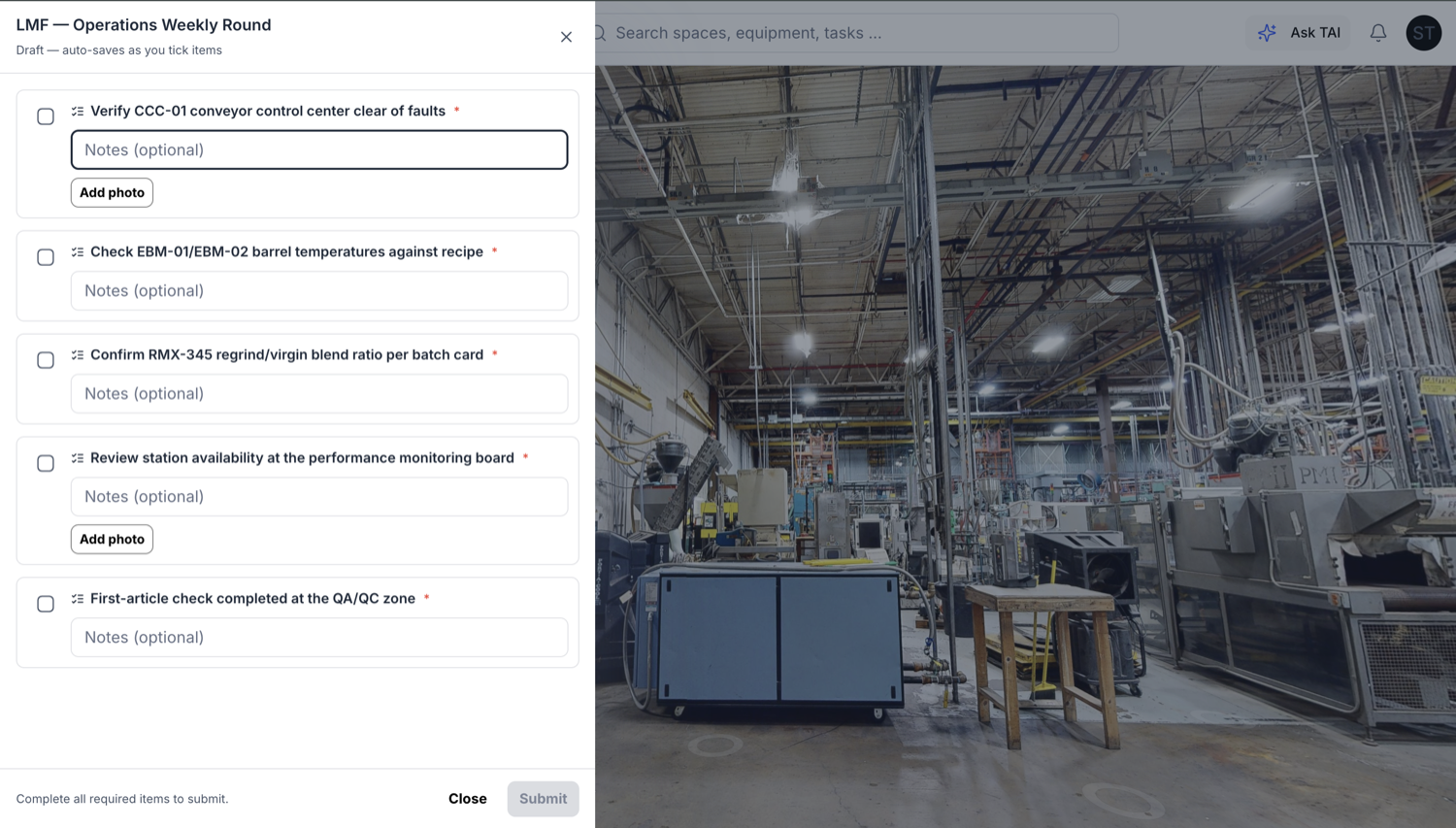
Step-by-step task lists with sign-off, so routine and safety-critical work runs the same way every time.
Schedule work orders and assign them to teams from the dashboard, then see what's planned on each asset in the twin.
Answer, assign, and comment on work right where it happens. Threads live on the asset for clean shift hand-offs.
A full audit trail per asset, from work orders to readings, so the whole story of a machine is one tap away.
Maintenance isn't desk-bound. On site, the AR module puts it in your hands, so teams report issues right where and when they arise.
Sensor readings, SCADA points, and historian data, rendered on the asset they actually come from.
Sensor readings and SCADA points rendered on the asset they come from, with live trends a click away.
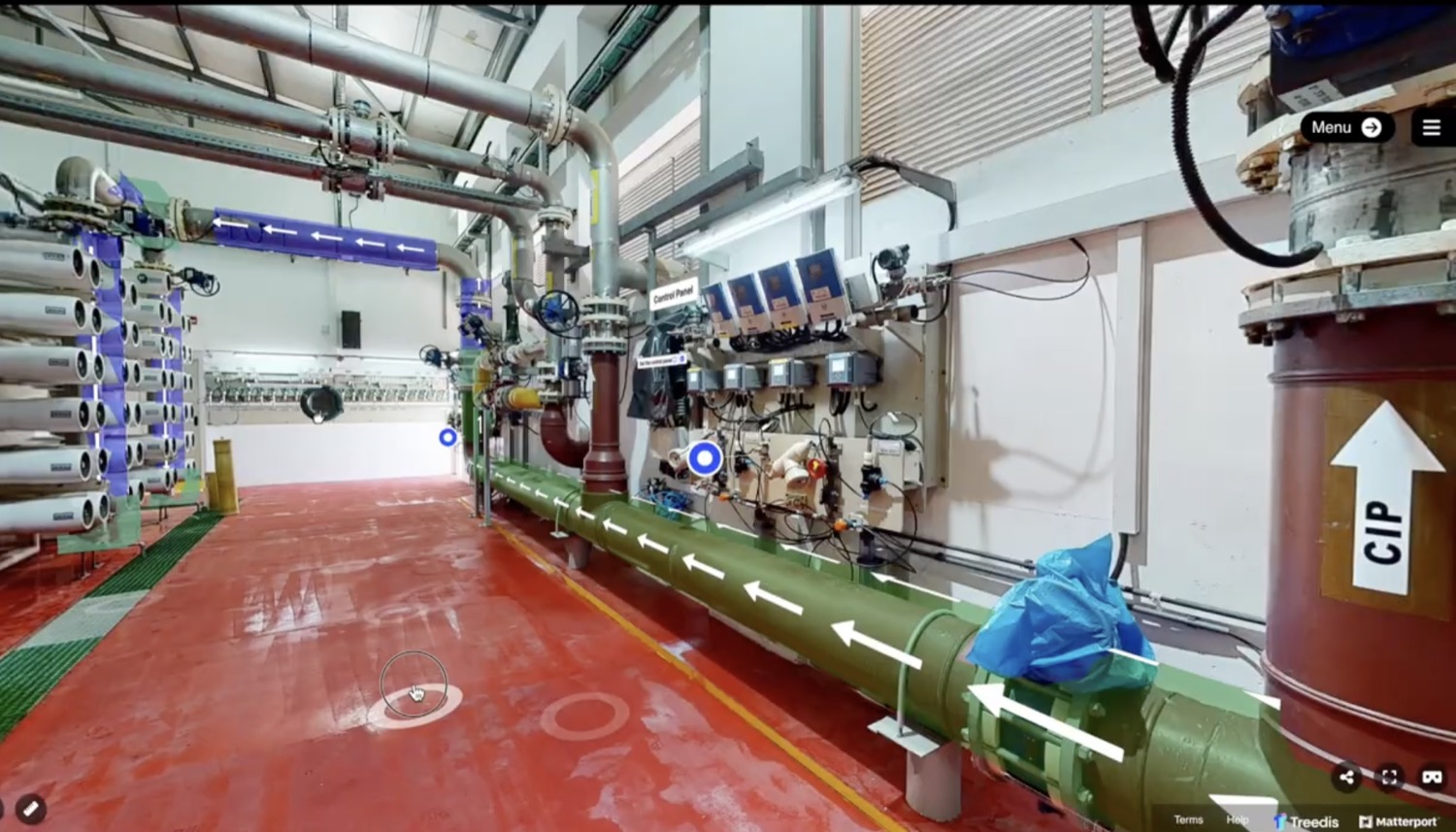
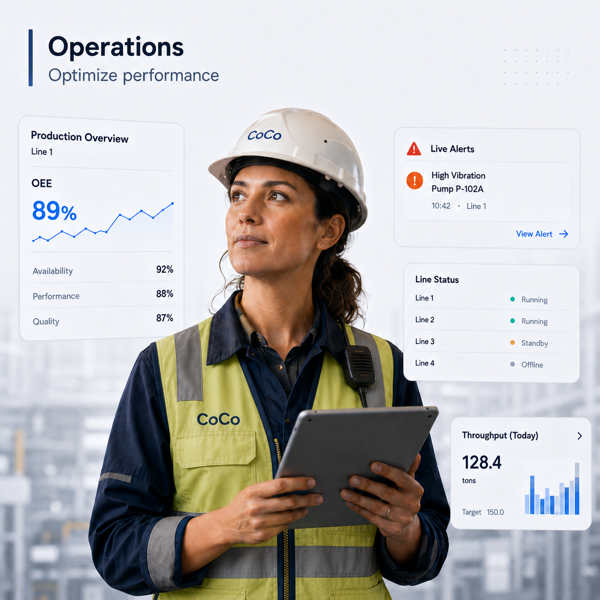
Set thresholds on any point; the moment a reading drifts out of band the alert fires on the exact asset that raised it.
Every reading, alarm, and trend lives on the asset in the twin, not buried in a separate dashboard.
One view rolls up asset health, live readings, and open alerts across your whole operation.
A top-down view of the entire site, every asset tag colour-coded by health, one tap for the live reading.
Connects the dots across telemetry, work orders, and safety into prioritised, confidence-scored recommendations, each with an action plan.
“After proving its value in the pilot, Treedis expanded to more cranes and will become a must-have operational standard in the port.”
“The reception has been really good. It creates tons of new ideas, and triggers people's imaginations on how we can keep using this solution to train people.”
Documented REST API plus webhooks. Custom connectors are standard for enterprise rollouts.